
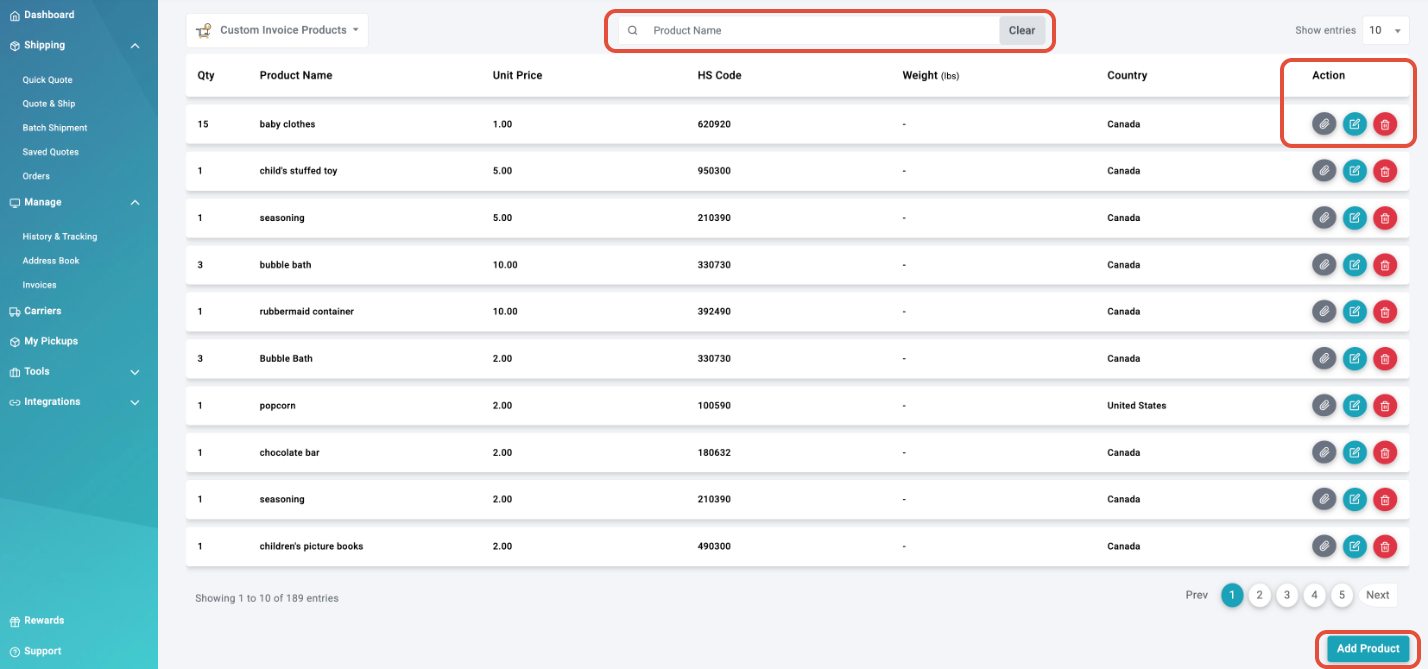
1. Search products by name or partial name
2. Add products
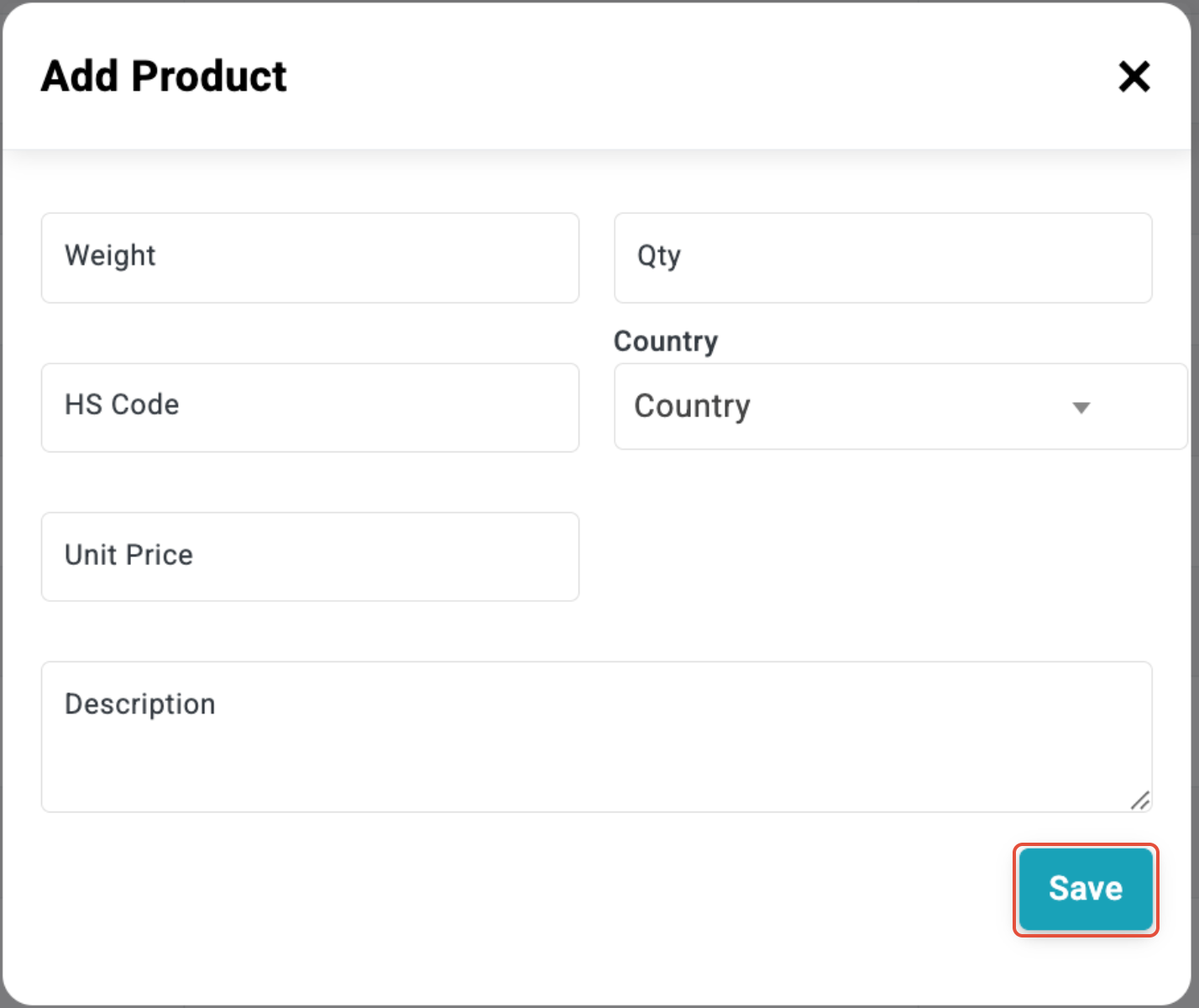
All fields need to be filled:
Weight - Imperial
Qty - Default to 1, unless the product is typically sold in larger amounts
HS Code - 10-digit HS Code
Country - Country of Origin of product
Unit Price - Price in local currency for 1 item
Description - Brief, clear description of product for customs invoice
3. Actions
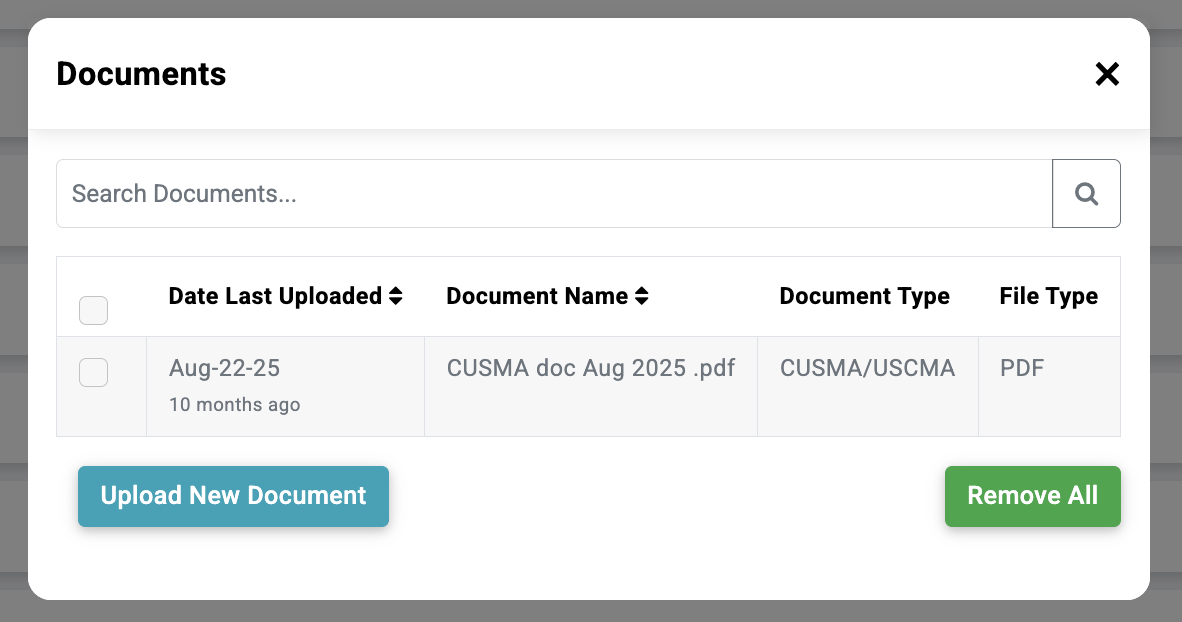
Documents - add or edit documents to associate with a specific product and attach for customs/duties
Edit - update product details
Delete - remove product from library
Note: Have a large product inventory and need some help uploading the dimensions? Please complete the spreadsheet below and send it to [email protected]. Once the dimensions and other details are completed, the technical team can upload them on your behalf.