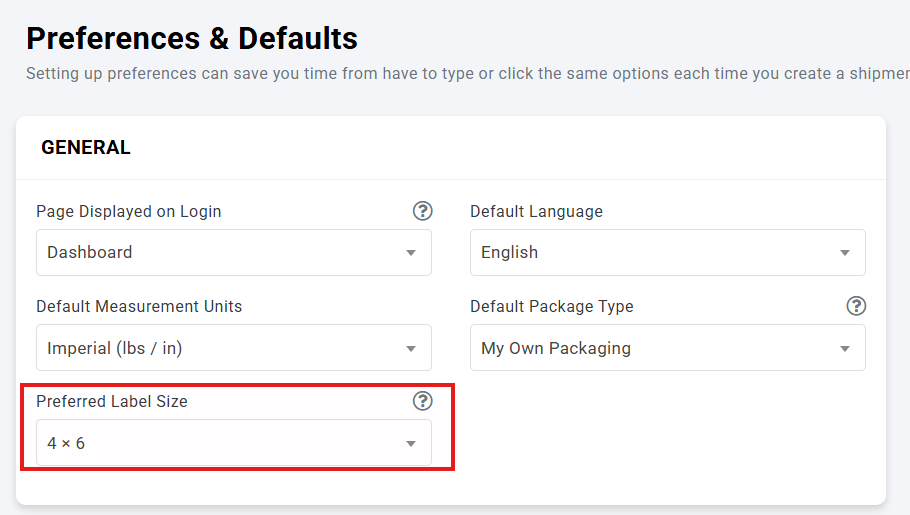
You can customize the default label size for shipping labels generated directly from your ShipTime account in Preferences.
This is useful if you print labels using a thermal printer (such as 4" x 6" labels) or a standard office printer (such as Letter size paper).
How to Change Your Default Label Size
- Log in to your ShipTime account.
- Click Settings from the main navigation menu.
- Select Preferences & Defaults.
- Locate the Label Size setting.
- Choose your preferred label format from the available options.
- Click Save to apply your changes.